
Da Uphill Mobile Guide
Thumb layout, DPadRight macro, DPadDown stomp, and how to fight FFA without covering your own ADS.
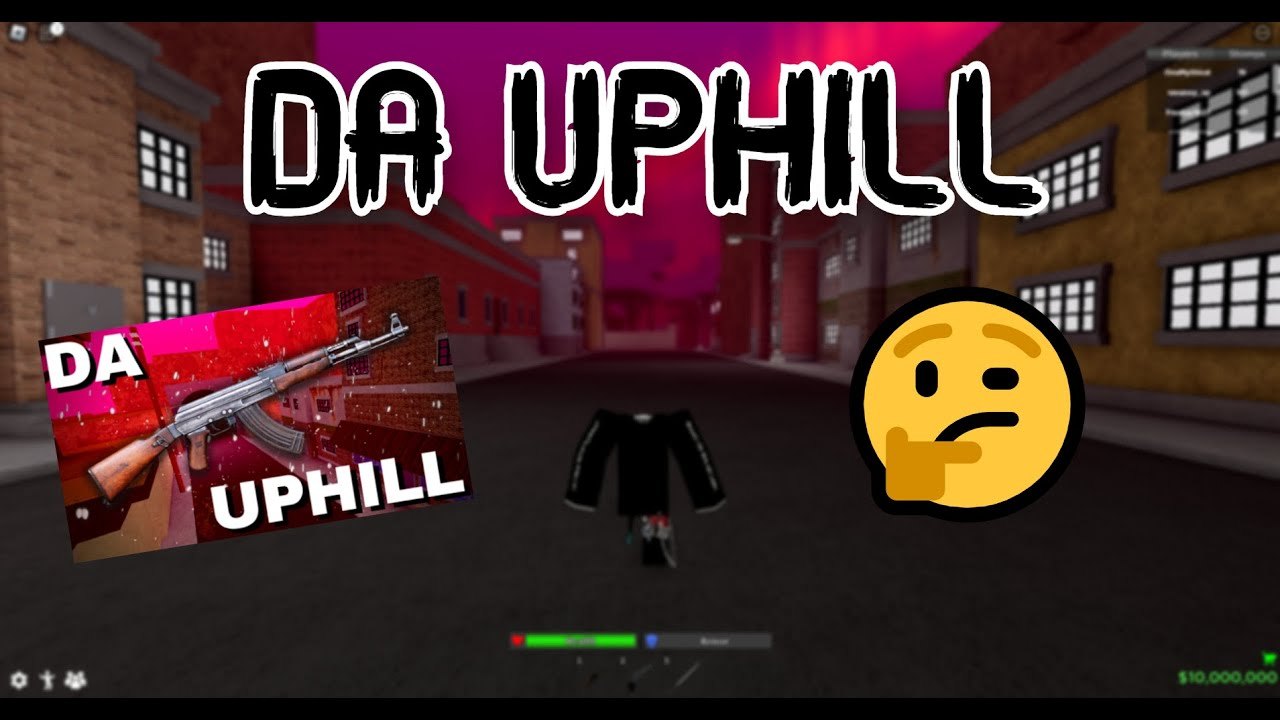
Da Uphill is playable on a phone because Roblox is playable on a phone, and because the current listing is named Da Uphill (MOBILE MACRO) (FREE SKINNY) on purpose. VoidFaIIs Entertainment is not hiding the DPad binds in a PC-only tooltip. Macro is DPadRight. Stomp is DPadDown. Reload, crouch, and sprint map to ButtonX, ButtonB, and ButtonL3 the same way they do on a gamepad. If you can reach those six actions without covering ADS, you can take FFA fights on a thumb layout.
This is not a different game mode. Servers are still 30-player free-for-all. You still spawn with guns and cash. You still get stomped if you stand on the spawn plane. Read getting started for that loop, then come back here for thumbs. The full bind sheet including PC is on controls.
Why the place says mobile macro
Older hood-FFA listings on Roblox were awkward on a phone: tiny buttons, no stomp, no advertised macro. The current Da Uphill title calls out mobile macro so phone players know the bind exists before they join. That is marketing and a control promise, not a side quest. You should not download a separate macro APK. You should not log into a copycat site. Open Roblox, join the live place, and look at the on-screen DPad.
Free Skinny in the same title is a cosmetic or body-type perk the experience advertises. Check spawn and any shop between lives. It is not a mobile-only campaign and it is not required to press DPadRight.
If DPadRight does nothing, you have a UI problem: another button is overlapping, Roblox’s emote/UI focus is eating the DPad, or your thumb never actually hits the right edge. Fix the layout before you assume the feature is PC-only. The macro guide explains the difference between this bind and an external clicker. Stay on the bind.
Thumb layout
Two thumbs is enough if you park them on purpose. Left thumb lives on move plus DPad. Right thumb lives on look, ADS, shoot, and the face buttons you actually use. The failure case is a right thumb that covers ADS every time you reach for stomp.
Put stomp (DPadDown) where you can tap it without sliding off look. On many default Roblox HUDs that means confirming the DPad is on the left cluster, not floating under your right aim thumb. Put reload (ButtonX) where a right thumb can tap it after a mag, then return to look. Crouch (ButtonB) should be a tap, not a hold that locks you in a squat while you try to aim. Sprint (ButtonL3) is click-in on the left stick equivalent — do not bind it under ADS.
Claw (three or four fingers) is optional. If you cannot reach DPadDown without losing the target, a third finger on stomp is worth more than a fancy HUD skin. If claw makes you miss every close-range double barrel, drop back to two thumbs and slow the fight down. Playstyle labels for aggressive versus peek-heavy hands sit on playstyles. Mobile does not change the FFA rules; it only changes how fast you can press E’s cousin.
Official DPad and face buttons
| Action | Mobile / gamepad input |
|---|---|
| Macro | DPadRight |
| Stomp | DPadDown |
| Reload | ButtonX |
| Crouch | ButtonB |
| Sprint | ButtonL3 |
ADS and shoot on PC are right click and left click. On a touch screen they are the on-screen aim and fire controls Roblox gives you. Do not invent extra invisible buttons because a PC video used them. If your HUD hides DPadDown under the jump cluster, move jump, do not move stomp off the documented direction.
Practice the pair DPadRight / DPadDown in a quiet corner. Macro one direction, stomp the other. Players who mash the whole DPad in a panic will emote, jump, or open a menu instead of finishing a knock. The how to stomp page is the timing; this page is making sure the thumb can find Down while look is still alive.
Sensitivity
There is no single magic number this wiki can invent for every phone. Start in Roblox camera/look settings at a value where a swipe from center to edge turns you about 180 degrees, then take three fights and adjust. If you cannot track a strafing revolver, you are too low. If every ADS flick overshoots a doorway, you are too high. Change one slider at a time.
Lower look speed slightly when you ADS if your device allows a separate aim modifier. Phone ADS already shrinks your view; a still-high look speed turns the first shot into a sky shot. Raise it again when you are rotating between covers. Sensitivity is a fight setting, not a flex.
Gyroscope is optional and often worse in a pocket-sized FFA where you also have to hit DPadDown. If gyro fights your right thumb, turn it off for a session and compare. Do not stack gyro, high look speed, and a claw HUD on day one.
Fighting FFA with thumbs
Take shorter peeks than PC players. A phone ADS is slower to start and slower to abort. Hold jambs. Let people wide-swing you. Double barrel rooms are your friend because the fight ends before a tracking error matters. Revolver peeks are possible if your look speed is stable; they are miserable if you are fighting the HUD.
Reload behind cover every time. ButtonX on a thumb is easier to miss than R on a keyboard, which is how mobile players die with an empty mag in a doorway. Sprint between covers only. Cut sprint before you fire. Crouch the last step of a stair. These are the same rules as PC, with less forgiveness when a thumb covers the fire button.
Server hop from the Roblox app if the lobby is stacked against touch players — a full 30 of PC macros is a miserable first hour. Like and favorite the live place so you can rejoin after a crash. Codes still go through whatever redeem UI the experience adds; there are no confirmed live codes to type on a phone keyboard right now, but the codes page is where a drop would be listed.
Mobile Da Uphill is the same FFA with a documented DPad, and the listing title is the hint to use it. Park the left thumb on move and DPad, keep stomp on Down, keep macro on Right, and stop covering ADS every time a body drops. If a site offers a phone macro pack, it is not the feature VoidFaIIs Entertainment put in the place name — the feature is already on your DPad.
Frequently Asked Questions
Quick answers for Da Uphill FFA, guns, stomp, and codes.
Can I play Da Uphill on a phone?
Yes. It runs through Roblox on mobile. The current place even advertises mobile macro in the title. Servers are still 30-player FFA with guns and cash on spawn.
Where is stomp on mobile?
DPadDown, the same documented bind as console. PC uses E. You still have to be next to the downed player. See how to stomp for timing.
Why does the place say MOBILE MACRO?
The live listing advertises the in-game macro bind for thumbs (DPadRight). It is not a separate APK. Details versus autoclickers are in the macro guide.
What sensitivity should I use?
Use a look speed that turns about 180 degrees on a full swipe, then adjust after a few fights. Too low misses strafes; too high overshoots doorways. Change one slider at a time.